
Unlock Your Productivity: Review of Microsoft Office Home 2024
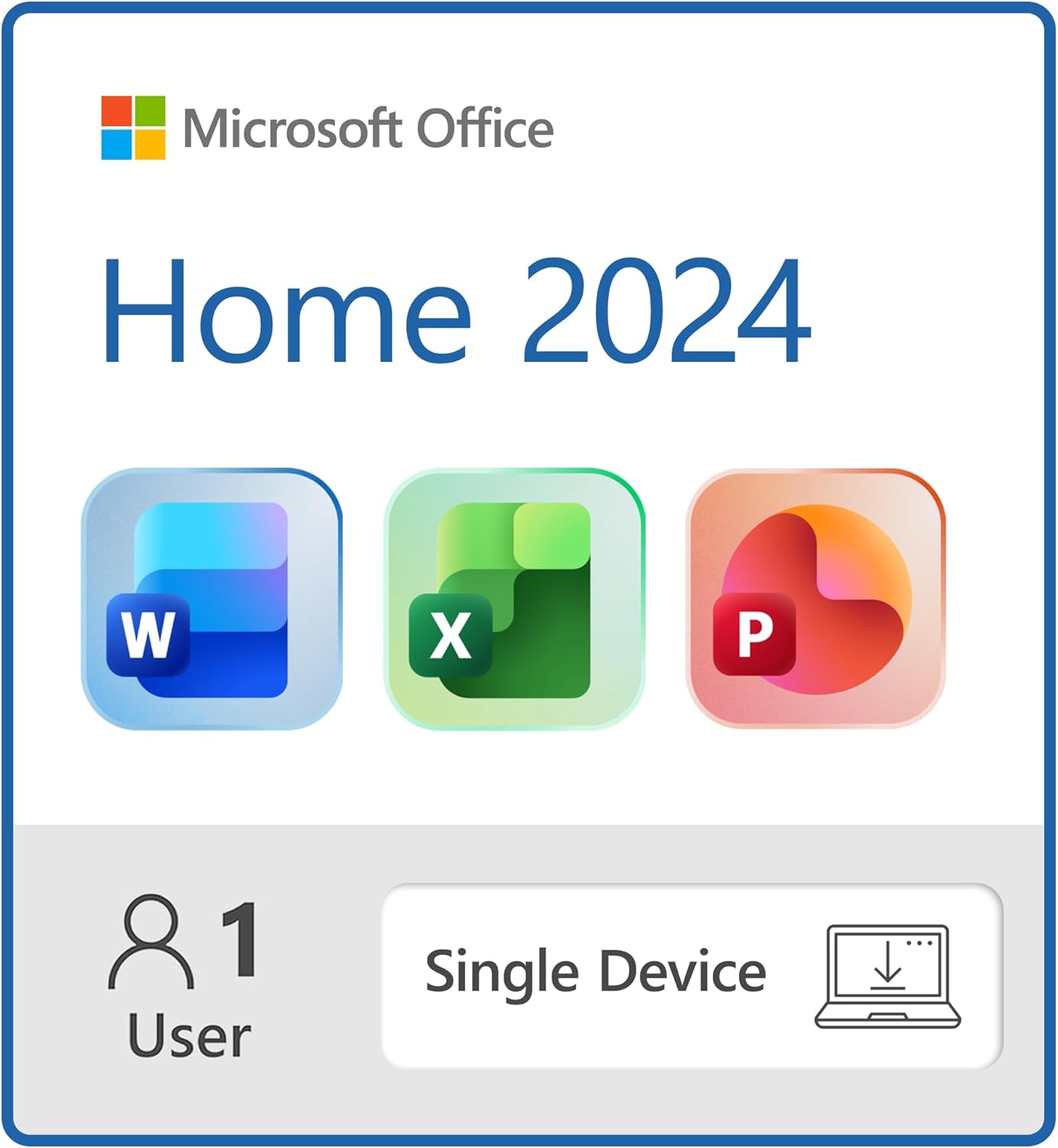
Microsoft Office Home 2024 is designed to be a reliable productivity suite for users who want access to classic desktop applications without the hassle of annual subscription fees. Tailored for installation on a single Windows laptop or Mac, this one-time purchase software includes essential tools like Word, Excel, PowerPoint, and OneNote. Whether you're a student completing assignments, a home user managing finances, or someone preparing polished presentations, Microsoft Office Home 2024 aims to keep your workflow seamless.

Key Features
Microsoft Office Home 2024 centers on providing core applications that most users rely on daily:
- Classic Office Apps Included: The suite offers Word for document creation, Excel for spreadsheets and data management, PowerPoint for engaging presentations, and OneNote for note-taking and organization. These familiar tools come pre-installed in their desktop versions, ensuring the robust functionality users have come to expect from Microsoft.
- One-Time Purchase: Unlike Microsoft 365 subscriptions, Office Home 2024 requires only a single payment, making it appealing for users hesitant about recurring fees. This aspect is particularly beneficial if you prefer the software for long-term use without worrying about renewing licenses annually.
- Single Device Installation: You can install the suite on one Windows laptop or Mac, which aligns with users needing dependable desktop apps for their primary device. This helps in maintaining productivity without needing multiple subscriptions or licenses.
- Instant Download: After purchase, you receive instant access to download the full suite, making it convenient to start working right away. This eliminates waiting for physical shipments or CDs, a plus for busy users.
Pros & Cons
Pros:
- High-Quality and Familiar Interface: Users praise the software for its polished and intuitive interface, allowing both beginners and seasoned users to navigate easily.
- Straightforward Activation: The setup process generally receives positive feedback for being simple and quick, enabling users to activate their product keys without complications.
- No Recurring Fees: Many appreciate the one-time purchase approach, avoiding monthly or yearly subscription costs common with Microsoft 365 plans.
- Versatile for Various Tasks: Whether creating documents, managing spreadsheets, or assembling presentations, the suite delivers reliable core functionality required at home or school.
Cons:
- Installation and Compatibility Issues: Some customers report problems installing the software, especially on iMac devices, along with difficulties in downloading the suite. This can result in frustration for users who expect a straightforward digital installation.
- Excel Functionality Concerns: A subset of users has experienced Excel not working properly after installation, impacting their ability to handle spreadsheets effectively.
- Price Perception: At $179.97, some users feel the cost is high relative to their usage needs, especially in light of competing subscription models offering continuous updates.
- Limited Device Flexibility: Since the license covers only one device, users who require Microsoft Office on multiple machines may find it restrictive.
- Mixed Views on Subscription-Free Model: While some value owning the software outright, others prefer the flexibility and newest features offered through subscription plans.
Who Is It For?
Microsoft Office Home 2024 is ideal for individuals or families who need reliable, classic Microsoft Office applications without ongoing subscription fees. It's suited for:
- Students and Home Users: Those writing essays, creating school projects, or managing personal budgets will find the suite covers their basic and intermediate needs effectively.
- Users with a Primary Laptop or Desktop: Since the license supports installation on only one device, users who mainly work from a single Windows or Mac computer will benefit most.
- Individuals Preferring One-Time Purchases: If you're reluctant to commit to subscription services and want to pay once for perpetual access, Office Home 2024 fits well.
However, users requiring frequent updates, advanced features, or multi-device support might want to explore alternatives like Microsoft 365 subscriptions.
Unlock Your Productivity with Office 2024!
Final Thoughts
Microsoft Office Home 2024 delivers the fundamental tools customers expect from a trusted productivity suite. Its familiar desktop apps, combined with a straightforward one-time purchase model, appeal to users looking for a cost-effective solution without subscription hassles. While the majority of users find the software reliable and easy to use, some have encountered challenges with installation, download, and compatibility, particularly on Macs.
Get Microsoft Office Home 2024 Now!
Ultimately, if your needs align with stable, classic Office applications on a single device and you prefer owning your software outright, Microsoft Office Home 2024 represents a solid choice. However, if you require seamless updates, enhanced compatibility, or multi-device support, considering a subscription-based alternative may provide better value. With a rating of 4.1 stars from over 1800 reviews, this suite continues to serve as a dependable option for many users aiming to unlock their productivity at home or school.
Instant Download: Start Using Office Today!
Consumer Ability participates in the Amazon Associates Program and earns from qualifying purchases.