
Streamline Your Business Taxes: TurboTax Business Desktop Edition 2025 Review
Filing business taxes can be a daunting task, especially with the complex regulations surrounding various entity types. TurboTax Business Desktop Edition 2025 aims to simplify this process by providing a comprehensive, user-friendly platform designed specifically for partnerships, S and C corporations, multi-member LLCs, trusts, and estates. Tailored for Windows 11 users, this tax software promises accuracy, convenience, and expert guidance, helping business owners file their federal tax returns with confidence.

Key Features
TurboTax Business Desktop Edition 2025 offers a robust set of features to assist businesses in managing their tax obligations efficiently:
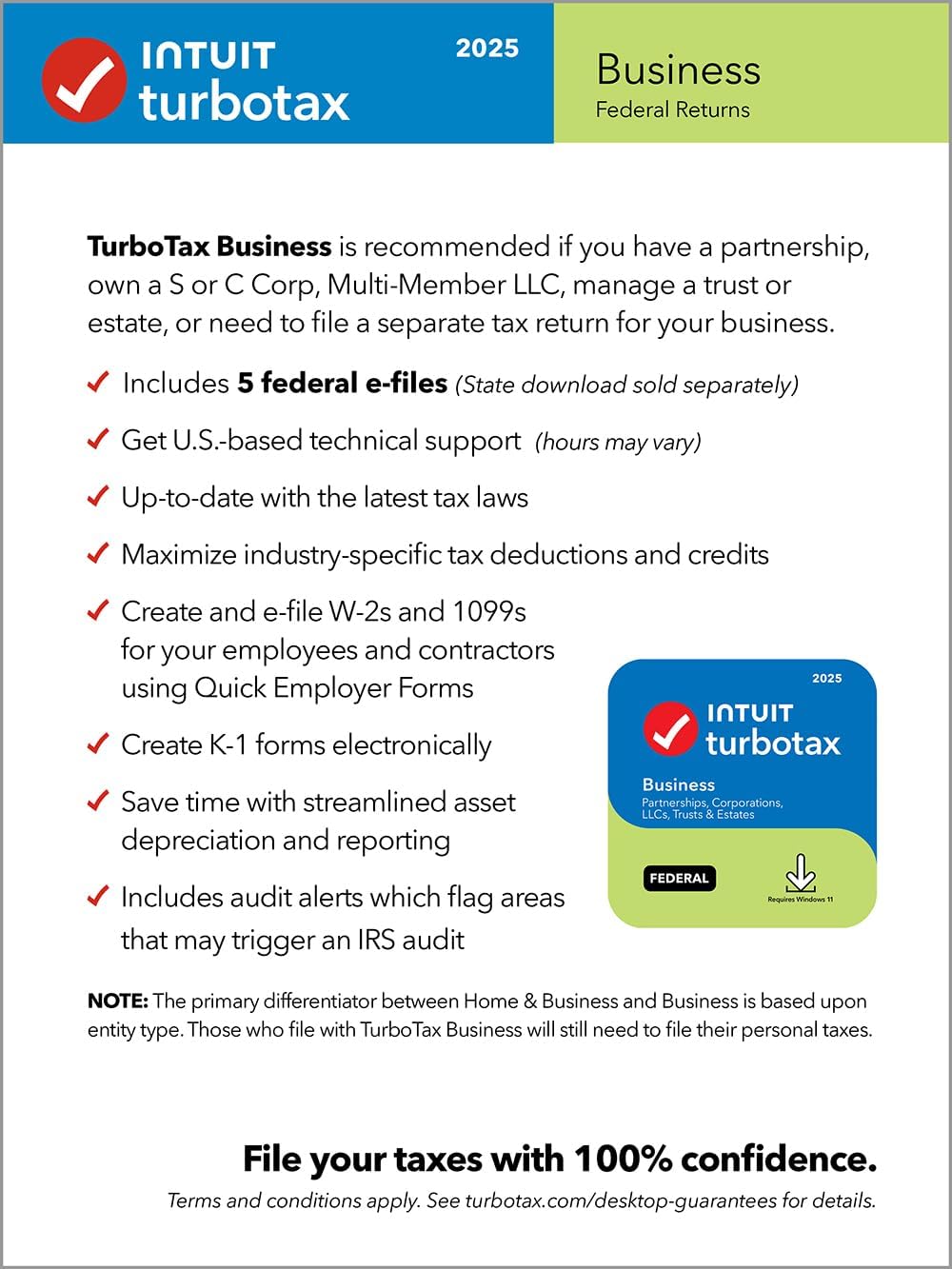
- Entity-Specific Tax Filing: Whether you own an S Corp, a partnership, or manage a trust, the software caters specifically to these business structures, ensuring all relevant forms and schedules are properly handled.
- Federal E-File Included: The package includes federal electronic filing, allowing users to submit their returns securely and quickly. However, state tax forms are sold separately and can be downloaded as needed.
- Up-to-Date Tax Laws: With constant updates reflecting the latest IRS regulations and tax code changes, users can file knowing their information aligns with the current standards.
- Audit Alerts: The software features audit alerts that flag any areas in your return which might trigger an IRS audit, enabling timely review and correction.
- Industry-Specific Deductions and Credits: TurboTax helps maximize your tax benefits by identifying relevant deductions and credits applicable to your industry.
- Quick Employer Forms Integration: You can create and e-file W-2 and 1099 forms directly within the software for your employees and contractors, simplifying payroll-related documentation.
- Streamlined Asset Depreciation and Reporting: Managing business assets becomes easier with built-in tools for depreciation calculations and reporting.
- Electronic K-1 Forms: The ability to generate K-1 forms in PDF format streamlines communication with partners and shareholders.
- Desktop Installation with Local Data Control: The software is downloaded and installed on your Windows 11 PC, allowing you to securely store and manage your tax data offline, with an Intuit account required for activation.
Pros & Cons
Like any specialized software, TurboTax Business Desktop Edition 2025 comes with its strengths and some limitations:
Maximize Your Business Tax Savings – Learn More!
Pros
- Easy to Download and Use: Many users appreciate the straightforward download process and clear step-by-step instructions, making it accessible even for those with moderate tax knowledge.
- Good Value for Money: At a price point of $189.99, customers find the software reasonably priced given its targeted functionality and comprehensive features for business tax filing.
- Accurate and Reliable Tax Guidance: The built-in coaching and audit alerts provide users with confidence that their filings are accurate and compliant with IRS standards.
- Efficient for Complex Entity Types: The software is particularly helpful for those who need to file specialized returns, such as partnerships and corporations, which are often not well-supported by consumer-grade tax products.
Cons
- Windows-Only Compatibility: TurboTax Business Desktop Edition 2025 supports only Windows 11 PCs, with no version available for Mac users, limiting access for some business owners.
- Mixed Usability Feedback: While many find it user-friendly, others report issues with software bugs, occasional glitches, and a less intuitive interface that can hinder smooth navigation.
- Limited Estimated Tax Functionality: Several users note that the software lacks robust tools for handling estimated tax payments, which could be a drawback for businesses managing quarterly tax obligations.
- Additional Costs for State Filing: Since state tax forms are sold separately, the overall cost and process could increase for those needing to file across multiple states.
Who Is It For?
TurboTax Business Desktop Edition 2025 is best suited for small to mid-sized business owners who operate within the structures of partnerships, S or C corporations, multi-member LLCs, or who manage trusts and estates. It is ideal for those running a Windows 11 environment seeking a desktop solution with comprehensive business tax support. Accountants or bookkeepers who prefer locally installed software for data security might also find this edition advantageous. However, Mac users or those looking for a fully cloud-based solution may need to explore alternative products.
Get TurboTax Business 2025 Today!
Final Thoughts
TurboTax Business Desktop Edition 2025 delivers a focused and powerful platform for business tax filing that caters to a variety of complex entity types. Its features like audit alerts, industry-specific deductions, and integrated employer form creation set it apart as a specialized tool designed with the business owner in mind. While the Windows-only compatibility and mixed feedback on usability and estimated tax handling are notable limitations, the software’s overall functionality, guidance, and value make it a compelling choice for many business users.
Download Now for Hassle-Free Tax Filing!
If your priority is a desktop-based, entity-specific tax solution that supports your federal return filing with thorough support and accuracy, TurboTax Business Desktop Edition 2025 is well worth considering. Just be sure your system requirements and workflow expectations align with what this software offers for a smooth tax season experience.
Consumer Ability participates in the Amazon Associates Program and earns from qualifying purchases.