
Seamlessly Upgrade Your System: A Review of Laplink PCmover Ultimate 11

Upgrading to a new PC often brings the excitement of enhanced performance and features—but the challenge of transferring your applications, files, and settings can quickly turn that excitement into a headache. Enter Laplink PCmover Ultimate 11, a data transfer software designed to simplify this process. Unlike typical migration tools, PCmover Ultimate doesn’t just move files; it automatically transfers applications, user profiles, and personalized settings from your old PC to your new one. But how well does it live up to these promises? This review explores its key features, advantages, and potential drawbacks to help you decide if it’s the right tool for your PC upgrade.
Seamlessly Transfer Your Data Today!
Key Features
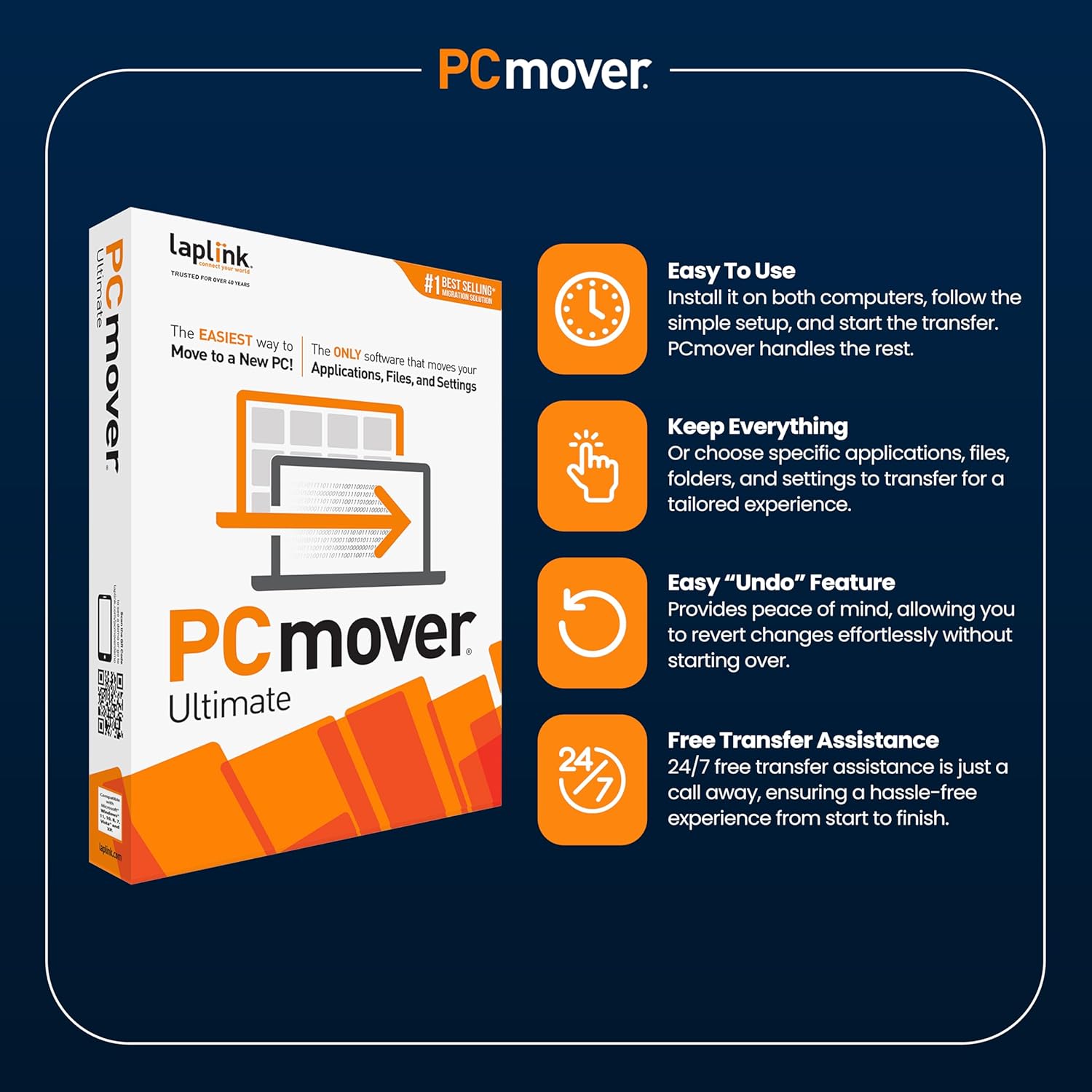
- Automatic Migration of Applications, Files, and Settings: PCmover Ultimate 11 stands out as the only software that automates moving your applications along with personal files and system settings. This means your new PC isn’t just a blank slate but a ready-to-use system with familiar programs and configurations—all without the hassle of reinstalling software manually.
- Selective Transfer Capabilities: Rather than moving everything blindly, PCmover gives you full control to choose which applications, files, or folders to transfer. This selective approach ensures a tailored migration experience, helping you avoid clutter and conserve storage space on your new machine.
- Undo Feature for Peace of Mind: If something doesn’t feel right after the transfer, PCmover’s easy undo feature lets you revert changes swiftly. This flexibility reduces the risk usually associated with major system changes, supporting a stress-free migration.
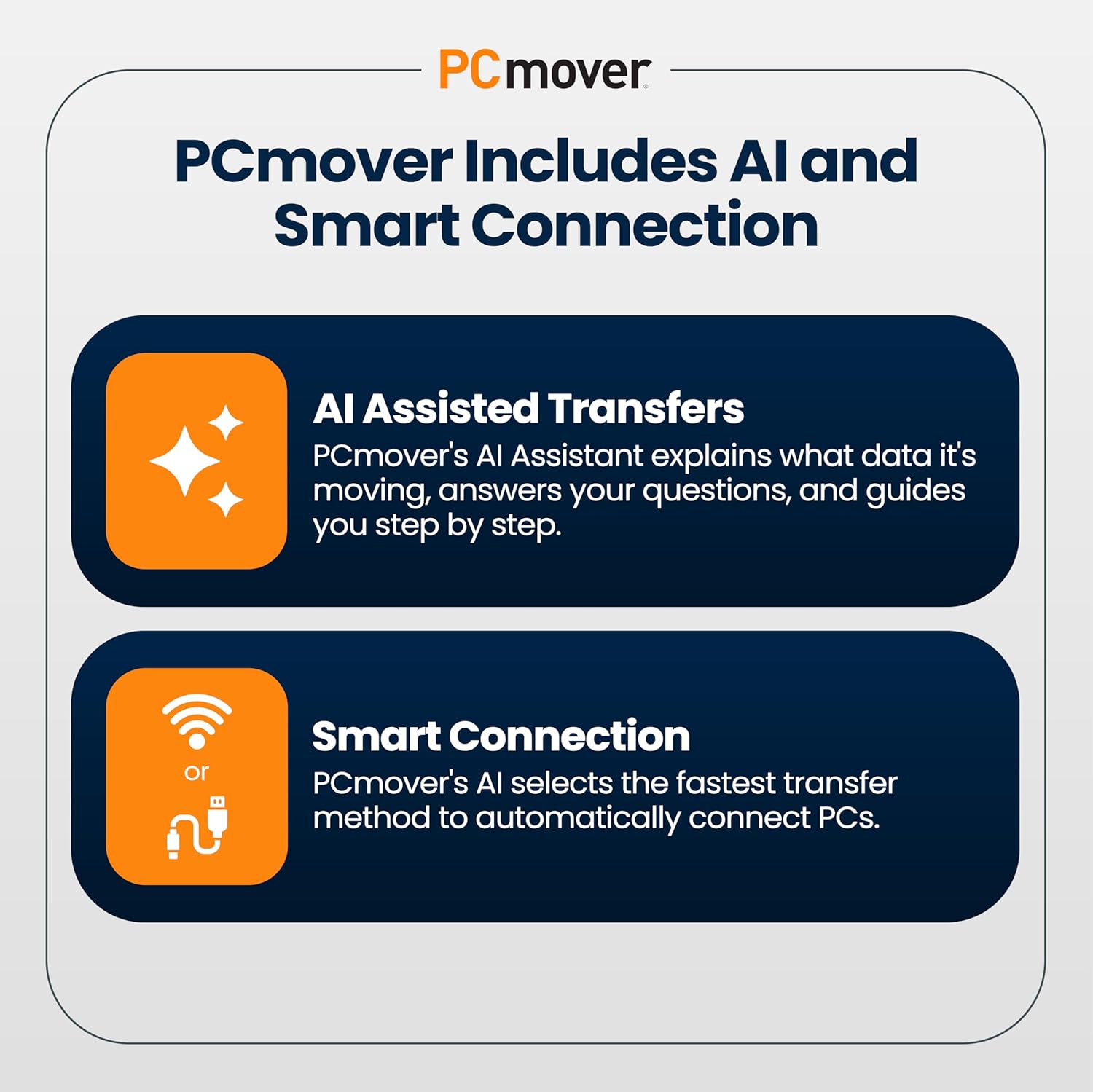
- Comprehensive Transfer Methods: While the package includes a high-speed Ethernet cable, PCmover also supports transfers via your existing home network or its own Wi-Fi Direct feature. This versatility accommodates varying hardware setups, ensuring users can adapt the transfer method that works best for them.
- 24/7 Free Expert Transfer Assistance: Understanding that such technical tasks can be intimidating, Laplink offers round-the-clock expert support. Whether you prefer phone, chat, email, or remote assistance, help is readily available throughout the migration process.
- Compatibility Considerations: PCmover is designed to transfer everything not already on the new PC, including most third-party applications and user data. However, it carefully blocks hardware- or OEM-specific programs by default to avoid compatibility issues, keeping your new PC stable after migration.
Pros & Cons
Pros
- Ease of Use: Many users praise the straightforward installation and setup, appreciating how intuitive the software is—even for those who aren’t tech-savvy.
- Time-Saving: Customers report that PCmover Ultimate completes transfers surprisingly quickly, often within a few hours, which helps minimize downtime during the upgrade.
- Comprehensive Transfers: The ability to move applications alongside files and settings is a significant benefit, reducing frustration associated with reinstalling or reconfiguring software.
- Reliable Customer Support: The 24/7 expert assistance feature is highly valued, offering peace of mind and guidance through any step of the process.
Cons
- Inconsistent Compatibility: Some users experience issues with specific programs, notably Microsoft Office, which may not transfer properly. This inconsistency can require manual troubleshooting and reinstallation.
- Installation Challenges: While many find the installation process smooth, others face difficulties installing PCmover on their PCs, sometimes requiring extra support.
- Pricing Perceptions: Opinions on the value for money are mixed. Some users find the $44.95 price reasonable given the features and time saved, while others consider it somewhat pricey, especially if complications arise.
Who Is It For?
Laplink PCmover Ultimate 11 is ideal for users who want a hassle-free way to replicate their old PC environment on a new device without manually reinstalling applications and transferring settings. It’s especially useful for:
- Everyday Consumers: Those upgrading personal computers who want to avoid the daunting task of reconfiguring their system.
- Small Business Owners: Individuals seeking to reduce downtime by migrating important software and data efficiently without dedicated IT resources.
- Non-Technical Users: People who appreciate guided support and automated processes to ensure smooth migration.
However, those running specialized or OEM-locked software should verify compatibility beforehand and be prepared for possible manual adjustments.
Final Thoughts
Overall, Laplink PCmover Ultimate 11 presents a powerful solution for simplifying PC migration. Its automatic transfer of applications, files, and settings can save users countless hours and headaches typically involved in moving to a new computer. The software’s selective transfer options and undo capability offer valuable control and safety nets during the process. While some users encounter compatibility and installation hurdles, the accessible 24/7 customer support helps mitigate these issues significantly.
Upgrade to PCmover Ultimate 11 Now!
If you’re preparing for a PC upgrade and want to preserve your digital setup with minimal manual effort, PCmover Ultimate 11 is a compelling option. Keep expectations realistic about software compatibility, and consider reaching out to Laplink’s support team proactively if you encounter difficulties. In doing so, you stand to enjoy a smoother, faster, and more confident transition to your new PC.
Effortless Migration Awaits – Learn More!
Consumer Ability participates in the Amazon Associates Program and earns from qualifying purchases.